At high-profile corporate galas and award dinners, the arrival flow is usually polished: guests arrive, check in smoothly, and head into the reception. The real friction often strikes at the end of the night, at the souvenir and gift bag counter.
Why the gift counter becomes a bottleneck
For event planners, the final 30 minutes can quickly unravel an otherwise perfect evening. Three problems come up again and again:
- The exit stampede. Hundreds of guests leave at the same time, and a queue forms while helpers flip through paper lists or guess who is eligible.
- Double claims and missing stock. Luxury gift bags get claimed more than once by the same table, leaving VIP sponsors or speakers short before the night ends.
- Awkward confrontations at the counter. When a guest insists they haven’t received their gift, on-site helpers have no clear proof to push back without creating a scene.
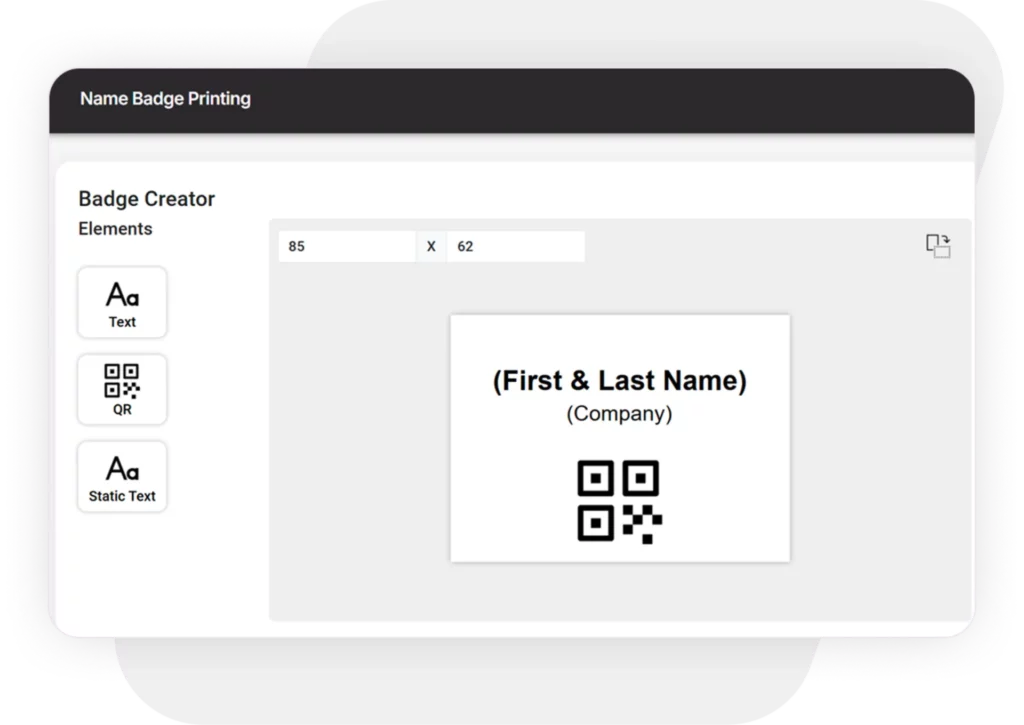
It’s the same pressure you get at the door, only in reverse. The techniques that keep arrivals moving, such as scanning instead of searching and keeping one shared list, work just as well on the way out. Our guide to event check-in and badge printing covers the arrival side in full.
What sponsors and corporate clients expect
Luxury brands and corporate sponsors don’t just supply bespoke gifts. They expect accountability, and they usually ask three questions after the event:
- Were gifts distributed only to eligible attendee tiers?
- Can we reconcile the remaining inventory without counting by hand at midnight?
- Is there an audit trail for every redemption?
A better workflow: one-tap souvenir tracking
Instead of paper tick-sheets or a separate redemption app, you can manage gift pickups inside the same guest list you already use for check-in.
- It lives in your guest list. Custom buttons such as “Souvenir Pick-up” or “VIP gift” sit in the check-in app, next to the guest’s table, company and job title, so staff see at a glance who qualifies.
- Scan and redeem. At the counter, staff scan the guest’s QR pass again or search by name on the iPad, then press the Souvenir Pick-up button.
- Timestamped proof. Every pickup is logged with the exact time and the device it was made on, so staff can say: “Our system shows this gift bag was collected at 10:15 PM at the souvenir desk.”
- One-click Excel audits. Export a pickup snapshot in seconds to check against the remaining stock.


“At high-end galas, the gift counter is the last impression your guests take home. We built the timestamped souvenir tracker so on-site teams can prevent awkward double-claims, while giving sponsors clear proof of who picked up their gift.” — Mike, Account Director, Check-in Pax
Turning the gift counter into a better client debrief
When you send your post-event report, you can give your client and sponsors an audit-ready breakdown in the same document: total attendance, exact gift bag pickup counts and timestamped distribution logs. It turns an operational hassle into proof of professional event management. The same data sits alongside your check-in reports.
For a sense of what this looks like at scale, see how a gala dinner managed guest lists and seating for 2,000 guests.
Planning a gala dinner or corporate banquet?
You can create a test event in two minutes, with no credit card. Create an account or request a demo. If you’d prefer a guided walkthrough, write to questions@checkinpax.com.