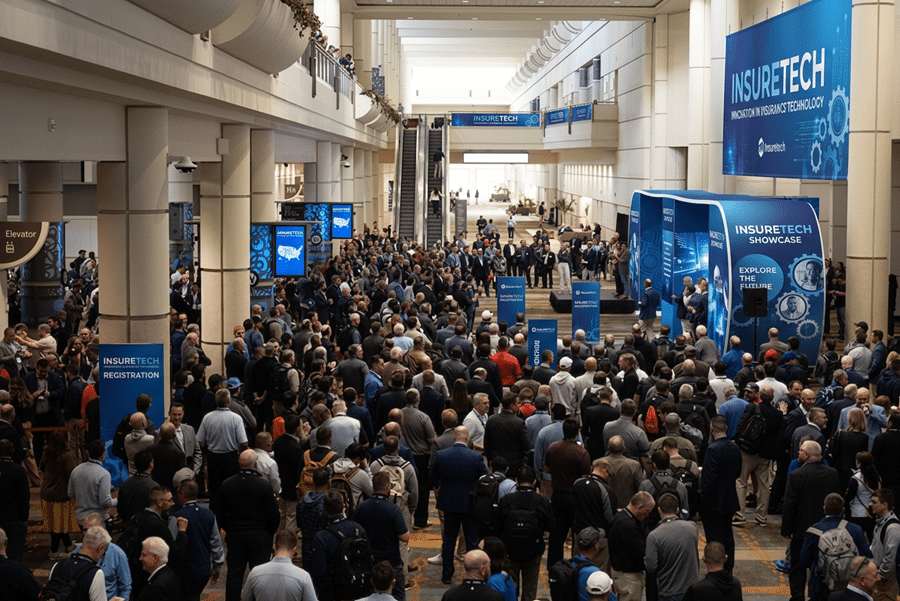
It’s not the food, the speakers, or the venue. 71% of attendees say check-in makes or breaks the event, in just 15 seconds at your front desk.
Yet many event planners reach for free tools they already have. Google Sheets. Free QR code generators. Canva.
These tools work fine for a backyard birthday party. For a 500-person conference, VIP gala, or corporate summit? They collapse under pressure.
Here is why. And what to use instead.
Google Sheets: Built for Data, Not for Check-In
Google Sheets is a spreadsheet. It is not an event check-in app.
What planners try: Share a sheet with volunteers. Add a checkbox column. Manually mark guests as “checked in” as they arrive.
What actually happens at a live event:
| Problem | The Result |
|---|---|
| Two volunteers mark the same guest | Duplicate entry. No alert. Attendance data is wrong. |
| Guest arrives without a QR code | Staff scrolls through 500 names manually. Queue builds. |
| Guest has a common last name (Smith, Kim, Lee) | Staff scans the wrong row. Wrong person checked in. |
| Volunteer scrolls down on a laptop or iPad | Accidentally moves a column. Or worse, types over existing guest data. No undo in the moment. Guest list corrupts mid-check-in. |
| Two volunteers open the same sheet simultaneously | Changes overwrite each other. One volunteer’s check-ins disappear because the other saved last. |
| Wi-Fi drops at the venue | Spreadsheet stops syncing. No one knows who has arrived. |
| VIP arrives | Same line. Same manual search. No priority. |
| End of event | Someone has to manually count checkmarks for attendance report. |
The real cost: A 30-second manual check-in with Google Sheets creates a 5-minute queue behind it. For 500 guests, that is over an hour of cumulative wait time. Your first impression becomes a line of frustrated people.
And the hidden risk: One accidental keystroke, one misplaced click while scrolling, and your guest list is corrupted. At 8:45 AM, with 200 people in line, you cannot “undo” and you cannot ask everyone to wait while you restore a spreadsheet backup.
Free QR Generators: Codes Without Context
Free QR code generators (including the ones built into Canva and other design tools) create a static image. That is it. One image. One destination.
What planners try: Generate one QR code. Put it on the registration email. Everyone scans the same code at the door.
What actually happens:
- Guest #1 scans the code. System marks it as “used.”
- Guests #2 through #500 arrive. The same code now shows “already scanned.”
- No one else can check in.
- You have no idea which guests actually arrived.
- No badge printing. No duplicate detection. No guest data.
A free QR code is just a link to a webpage. It is not an event check-in system.
The right way: Each guest needs a unique QR code that ties directly to their name, ticket type, and check-in status. That is what professional check-in software does automatically.
👉 Read our full QR Code Event Check-In guide →
Canva: Beautiful Badges That Never Print
Canva is a design tool. It makes beautiful badges. It cannot print them live with guest data.
What planners try: Design a badge template in Canva. Export as PDF. Manually type each guest’s name into the PDF. Print one by one.
What actually happens at 8:45 AM with 200 guests arriving at once:
| Scenario | The Result |
|---|---|
| Staff manually typing names into Canva | 2 minutes per guest. Queue grows to 50+ people. |
| Typo on a badge | Delete. Re-type. Re-print. Guest waits. |
| VIP needs a different badge type | Re-design template. Re-export. Re-print. |
| Guest changes their title at the door | Cannot edit. Print wrong badge or start over. |
| Name is too long for the template | Go back to Canva. Edit design. Re-export. Re-print. |
The bottom line: Canva is for design, not live operations. By the time you manually type 200 names, your event has already started and your queue is out the door.
👉 Read our High-Volume Event Check-In tips →
The Comparison: Free Tools vs. Professional Software
| Feature | Google Sheets + Free Tools | Check-in Pax (Professional) |
|---|---|---|
| Guest arrives without QR code | “Sorry, find your email” (queue builds) | Full-text search across name, company, email, and custom fields. Plus smart combination search (e.g., “Smith + VIP”). |
| Data integrity during check-in | One accidental scroll or keystroke can overwrite or move columns. No real undo. | Dedicated check-in interface. No risk of corrupting guest list. |
| Duplicate check-in attempt | Two volunteers mark same guest (no alert) | Two discreet modes: popup alert OR deactivated check-in button with timestamp showing code already used. |
| Badge printing | Manual typing into Canva (2 minutes each) | One scan → printed badge in under 10 seconds. |
| Name too long for badge | Re-design template, re-export, re-print. | Edit → Dropdown → Switch template → Save → Reprint. |
| Guest needs badge reprint | Delete original entry, re-type, re-print. | One “reprint” button. Original check-in time preserved. |
| Wi-Fi drops or iPad lost | Spreadsheet stops syncing. Lost iPad = exposed guest data. | Secure offline grace period. Remote logout/revoke access if iPad lost. No guest data lingers on stolen devices. |
| Attendance report | Manually count checkmarks (errors guaranteed). | Real-time dashboard + one-click export. |
| VIP handling | Same line as everyone else. | Pre-check. Dedicated lane. Escort ready. |
🔒 Security note: Most event apps keep guest data on offline iPads indefinitely. If an iPad gets lost or stolen, that data is exposed. Check-in Pax is different. You can remotely logout or revoke access immediately. No lingering data. No breach risk.
What Professional Event Check-In Software Does Instead
A proper check-in app is not a spreadsheet or a design tool. It is built for the front desk.
With Check-in Pax, your staff can:
- Scan a QR code or use full-text search across name, company, email, and custom fields — including smart combination searches like “Smith + VIP”
- See the guest’s full profile: check-in time, custom fields, previous scans
- Detect duplicate check-ins discreetly: either a popup alert OR a deactivated check-in button with a visible timestamp showing the code is already used
- Reprint a badge without losing the original check-in timestamp
- Switch badge templates on the fly: Edit → Dropdown → Switch template → Save → Reprint
- Work within a secure offline grace period — if an iPad goes offline, staff gets notified and can reconnect. But if an iPad is lost or stolen, you can remotely logout or revoke access immediately. No guest data left behind.
- Know exactly who has arrived, in real time
Your staff becomes problem-solvers, not button-pushers. And your guest data stays protected.
The Bottom Line
Google Sheets, free QR generators, and Canva are excellent tools. For spreadsheets. For design. For quick QR codes.
They are not event check-in systems.
If your event has more than 50 guests, any VIPs, or any need for badges, use a tool built for the job. Your attendees will notice the difference. So will your staff.
Check-in Pax was built for the 71% of attendees who judge your entire event by the check-in desk. Not for spreadsheets.
Ready to stop using workarounds?
Try Check-in Pax Free | Contact Us for a Demo
FAQ
Can I use Google Sheets for small events?
For 20 people? Maybe. For 50+? No. The manual search time alone will create queues. And one accidental overwrite at the wrong moment can ruin your entire guest list.
Is Canva bad for badges?
No. Canva is great for designing badges. It is terrible for printing them live with guest data. Design in Canva. Print with Check-in Pax.
What about other free QR generators?
Same problem. A static QR code is not tied to guest data. You need unique codes per guest.
How does Check-in Pax handle offline mode differently?
Most apps allow constant offline mode, which is a security risk. Check-in Pax uses a secure grace period. If an iPad goes offline, staff is notified. If an iPad is lost or stolen, you can remotely revoke access immediately. No guest data lingers on stolen devices.
How do I know if I need professional software?
If any of these are true, you need it: more than 50 guests, VIPs, badge printing, multiple check-in lanes, real-time attendance tracking, or any concern about guest data security.
For the complete guide to event check-in software, read The Ultimate Guide to Event Check-in and On-site Badge Printing.